Dictate, without
switching windows.
Hold Option. Say the thing. Macaw transcribes locally and returns the text to the cursor that was already waiting for it.
 Install for Mac
 Dictate into any app, turn meetings into searchable notes, and transcribe audio—starting privately on your Mac.
Apple silicon · macOS 13+ · no account for local transcription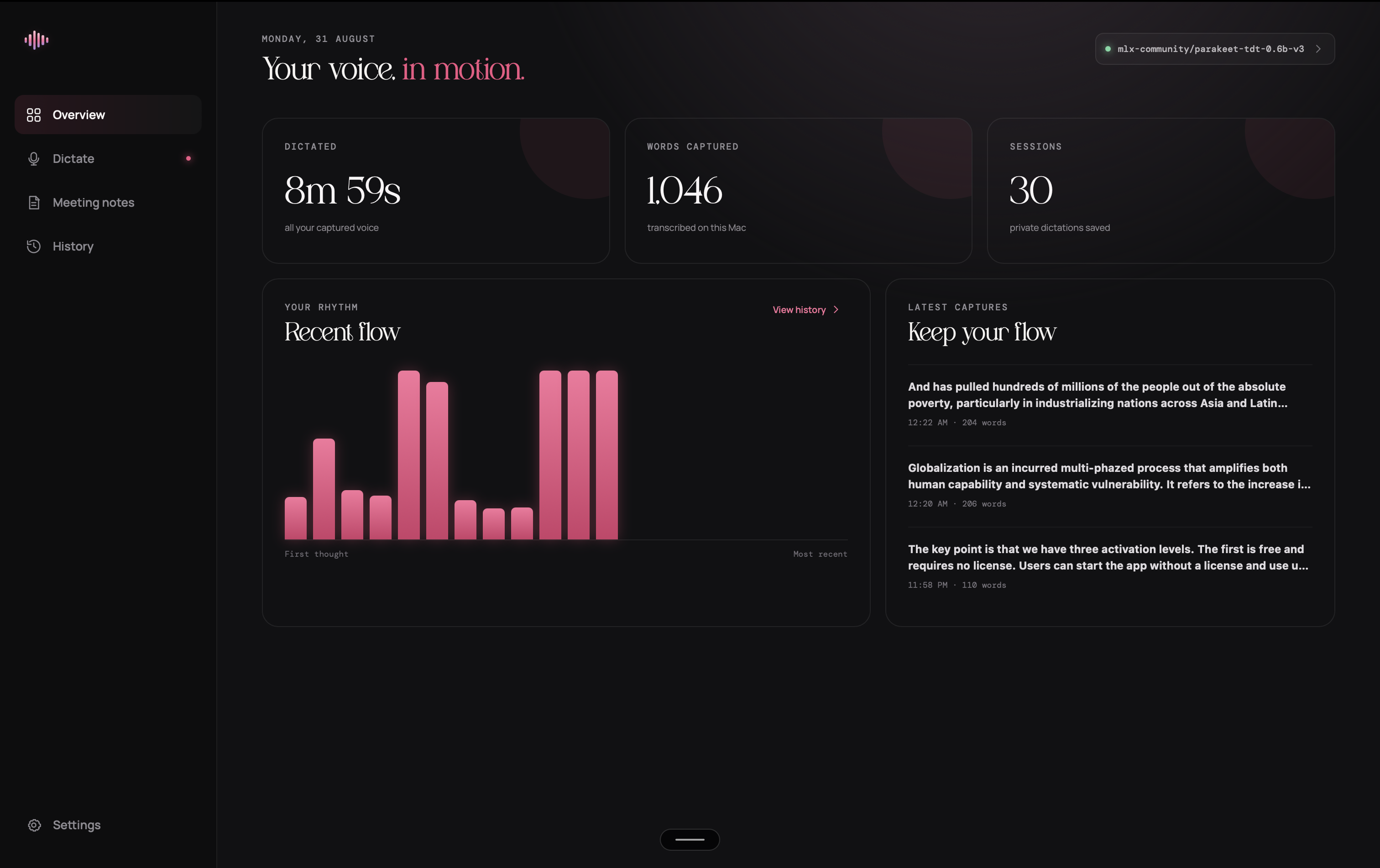
THE PRODUCT ISN’T A CHAT WINDOW.
THE WORKFLOW
Hold Option. Say the thing. Macaw transcribes locally and returns the text to the cursor that was already waiting for it.
Capture system audio and your microphone into a named session: speaker-labelled transcript, summary, and your own notes.
Select text anywhere and use Fn + 1. AI polish is an explicit add-on, never a silent rewrite of your work.
LOCAL FIRST / 03
Most voice software treats your recording as an upload. Macaw treats it as yours. The standard dictation engine runs on-device; cloud services sit behind a deliberate choice and a clear allowance.
Why that matters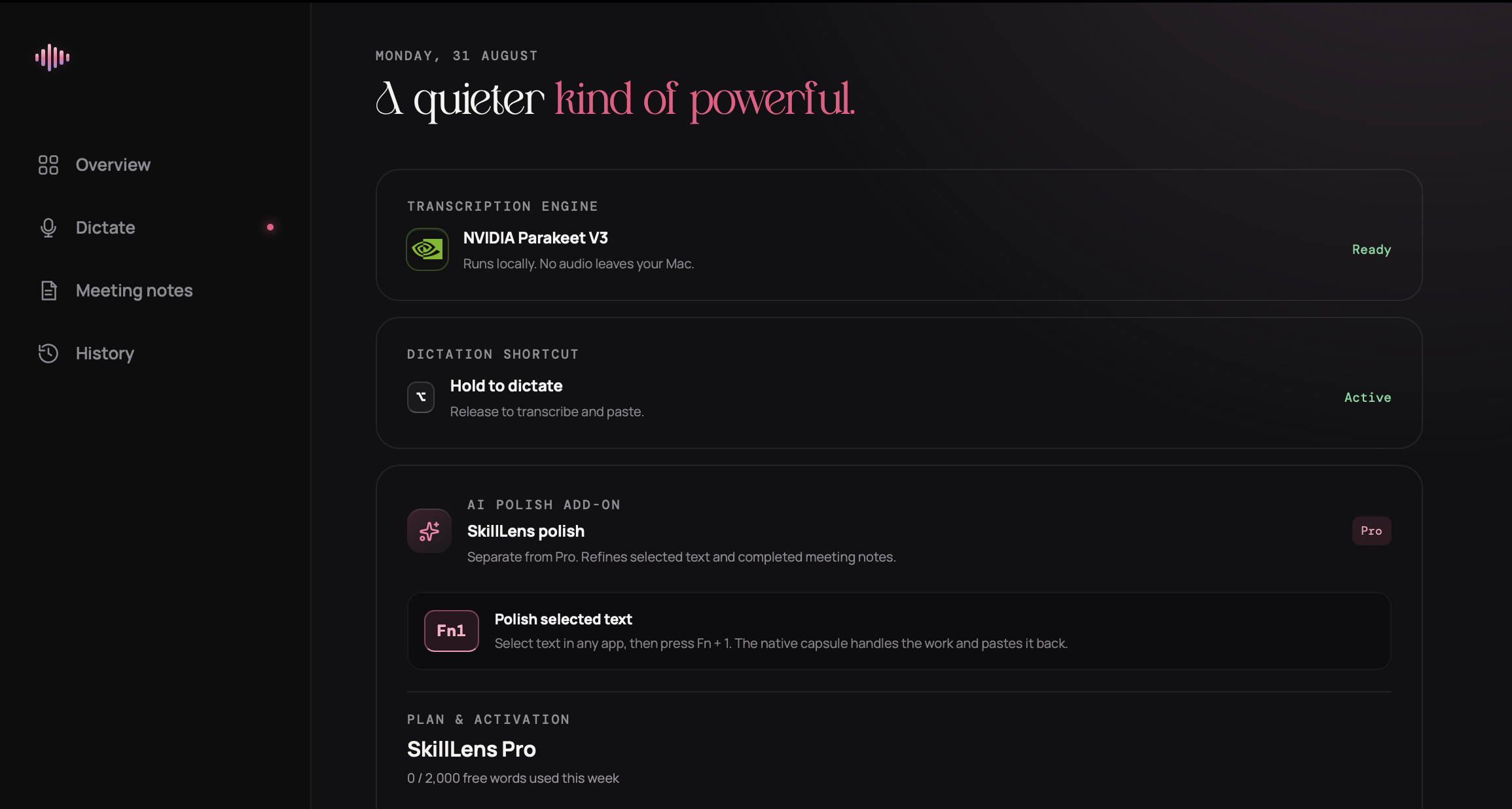
WHAT STAYS YOURS
Macaw begins with a desktop-first local core, then makes paid intelligence a deliberate choice—not the price of entry.
You keep the workhorse on your Mac and add cloud compute only when it earns its place in your workflow.
Wispr Flow pricing is based on its published US individual plan pricing, checked August 2026. Plans and availability may change.
BUILD YOUR OWN STACK / 05
The desktop core is built for long-term access. AI polish and cloud transcription are separate, so the cost always has a name.
LOCAL CORE
OPTIONAL INTELLIGENCE
OPTIONAL CLOUD
INSTALL MACAW
Macaw installs directly to your Applications folder. The installer verifies the app before opening it.
curl -fsSL https://macaw.live/install.sh | bashApple silicon · macOS 13 or later · free local mode includedTHE SHORT ANSWERS / 06
Macaw is a desktop voice workspace for people who want dictation and meeting notes with a local-first core. AI polish and cloud transcription are optional add-ons—not a required upload path.
No. Local dictation, local audio uploads, and local meeting transcription run on your Mac. Cloud transcription is a deliberate engine choice for users with that add-on.
Hold Option to dictate into the focused app, capture a meeting into a private session, or upload audio up to 20 minutes for a saved transcript.
Start with the free local mode. AI Polish is $10 / ₹100 monthly, Cloud Transcription is $10 / ₹100 monthly, and both add-ons are $18 / ₹180 monthly.